Loading Acefort
Ace Core portal

See each operating domain in context.

Explore the platform view and purpose-built dashboards for Ace Automate security operations, Fort Eye external cyber risk and Fort Bridge third-party cyber risk.

Dashboard gallery

Purpose-built modules. Connected by Ace Core.

Each view supports a distinct cybersecurity workflow while assets, identities, vulnerabilities, exposures, threats, incidents, investigations, vendors, evidence, risks and remediation remain connected.

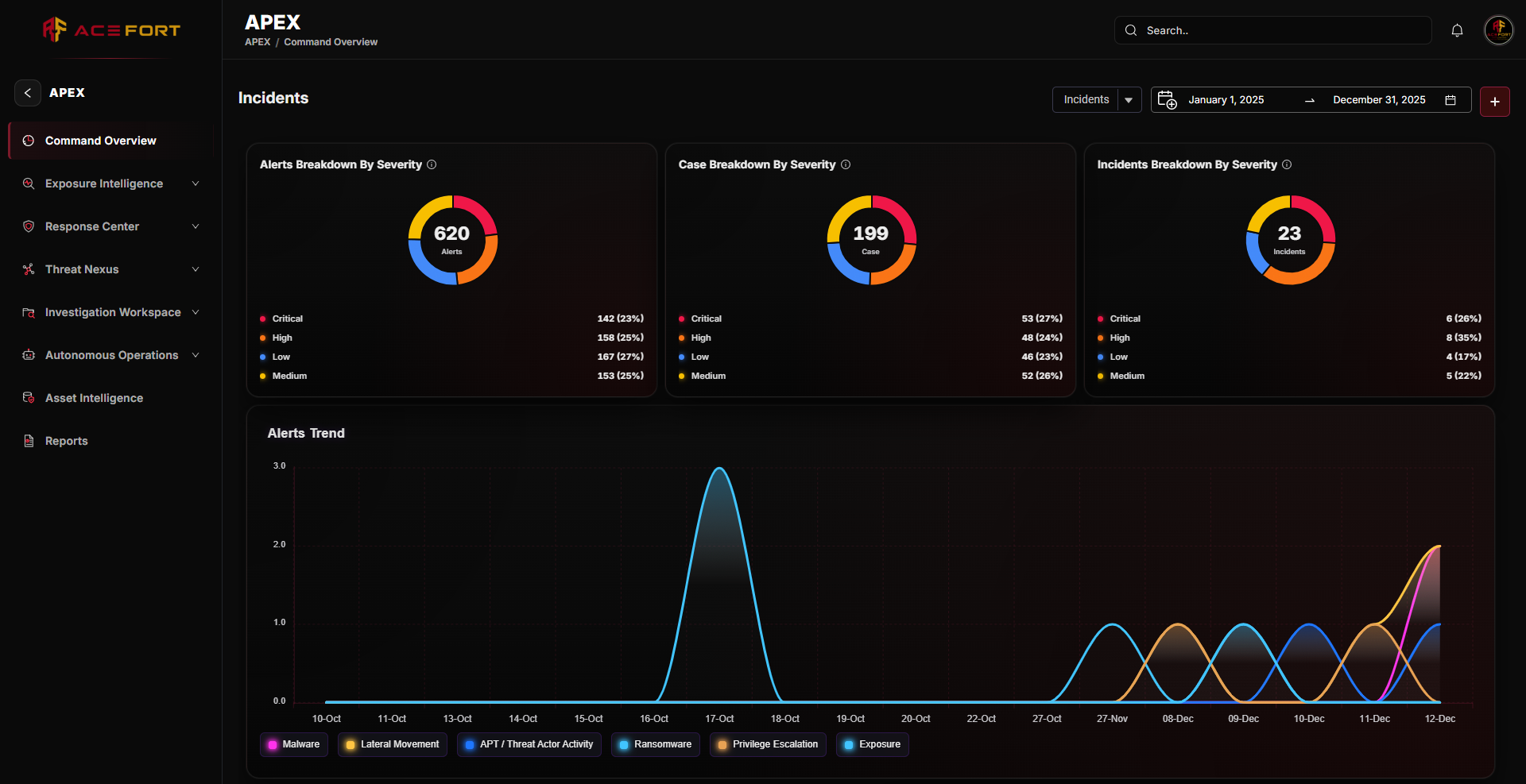
Ace Core Dashboard portal dashboard screenshot
01 / Connected management view

Ace Core Dashboard

A unified view of operational status, incidents, external exposure, potential dependencies, dark-web intelligence, application risk, digital-risk cases, vendor risk, supply-chain risk, trends, ownership and priorities.
Management attentionTrendsOwnershipExecutive visibility
Ace Automate portal dashboard screenshot
02 / Security operations & response

Ace Automate

Command, response and investigation views connect operational queues, cases, evidence, asset intelligence, exposure and VAPT, threat assessment, governed automation, remediation and verification.

Command OverviewResponse CenterInvestigation WorkspaceAsset Intelligence
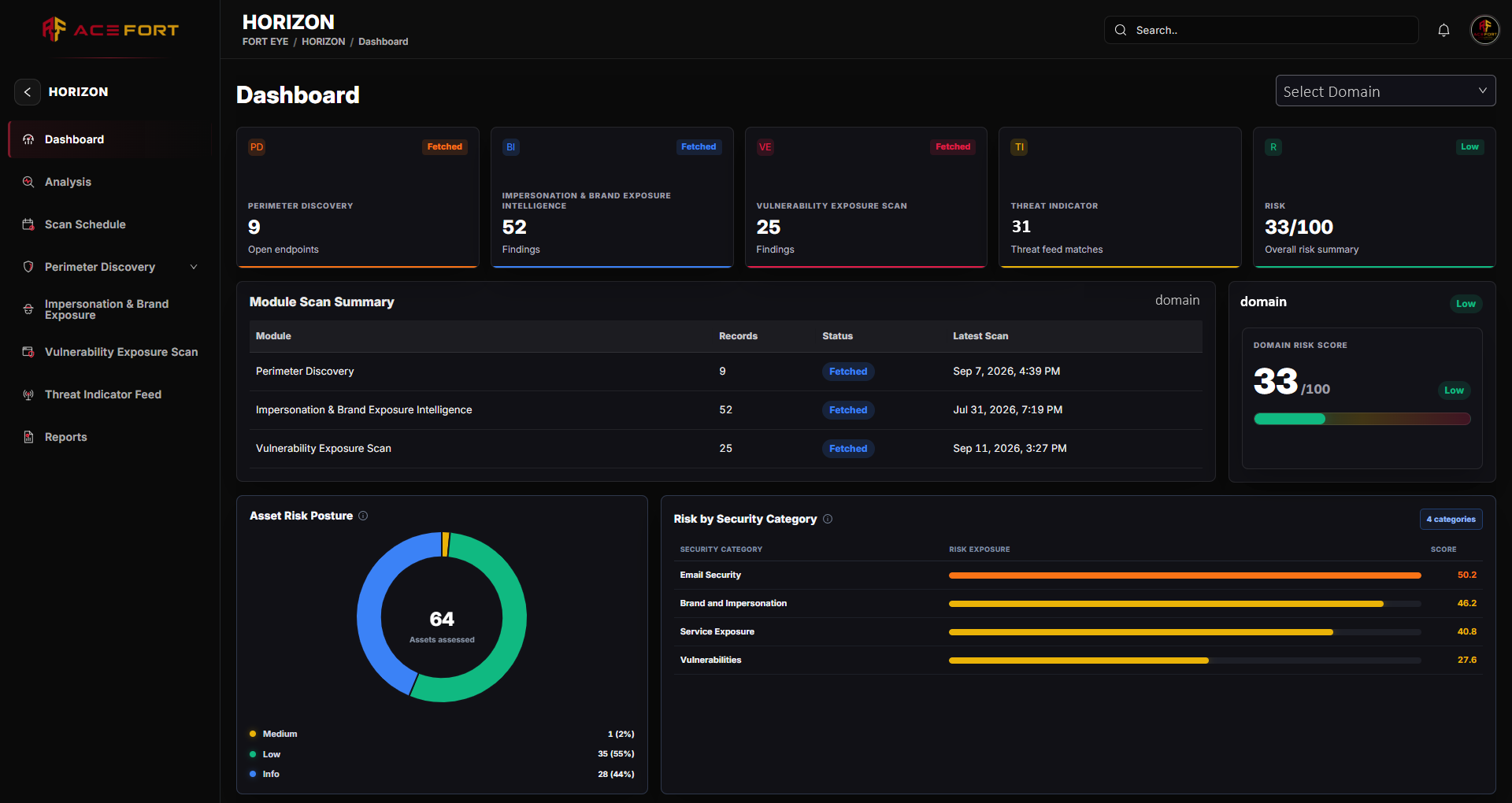
Fort Surface portal dashboard screenshot
03 / Attack surface & exposure intelligence

Fort Surface

Explore perimeter discovery, externally visible weaknesses, impersonation, threat indicators and potential third-party dependencies with relationship validation and evidence freshness.

Assets & servicesExposure priorityRelationship validationAssessment history
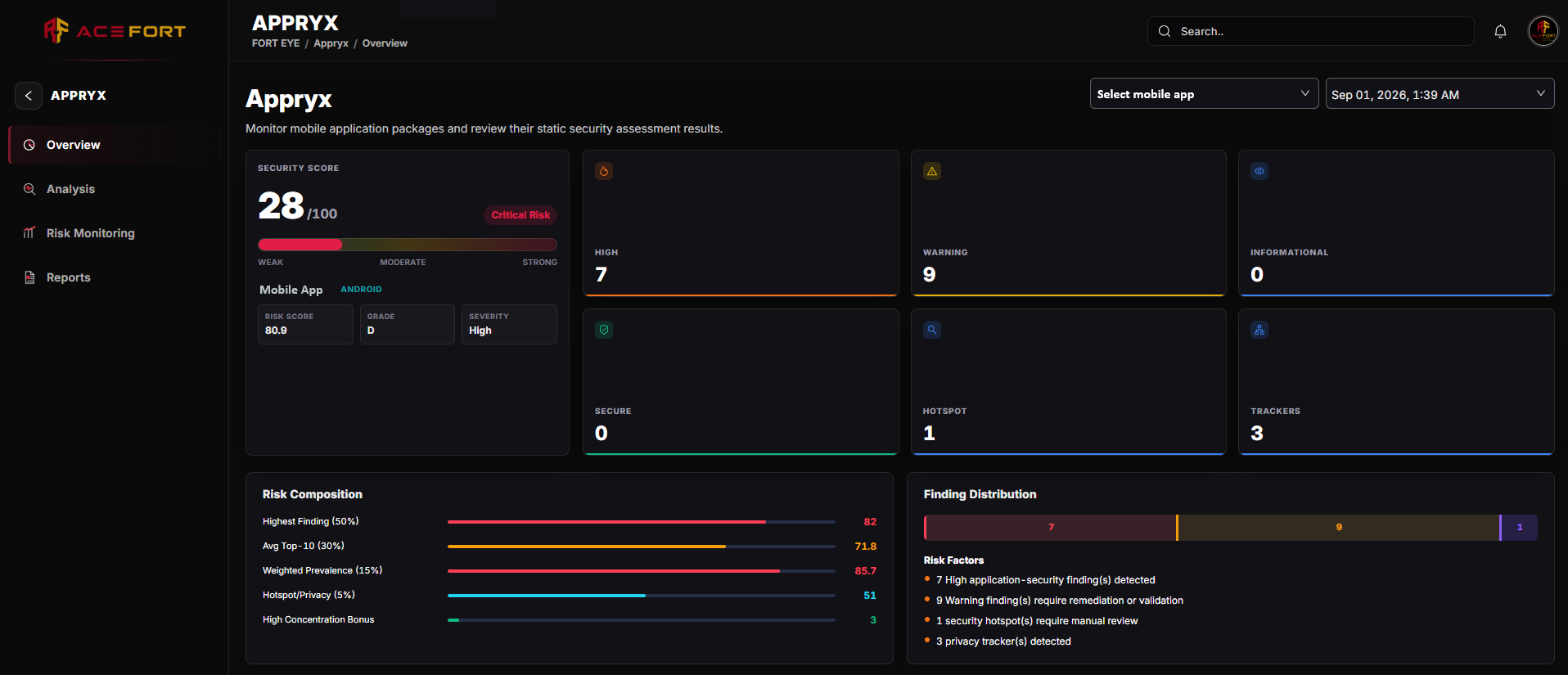
Fort App portal dashboard screenshot
04 / Mobile application security

Fort App

Review Android and iOS application scores, findings, security and privacy hotspots, trackers, scan history, comparisons, portfolio risk and application reports.

APK & IPAStatic assessmentPortfolio riskReports
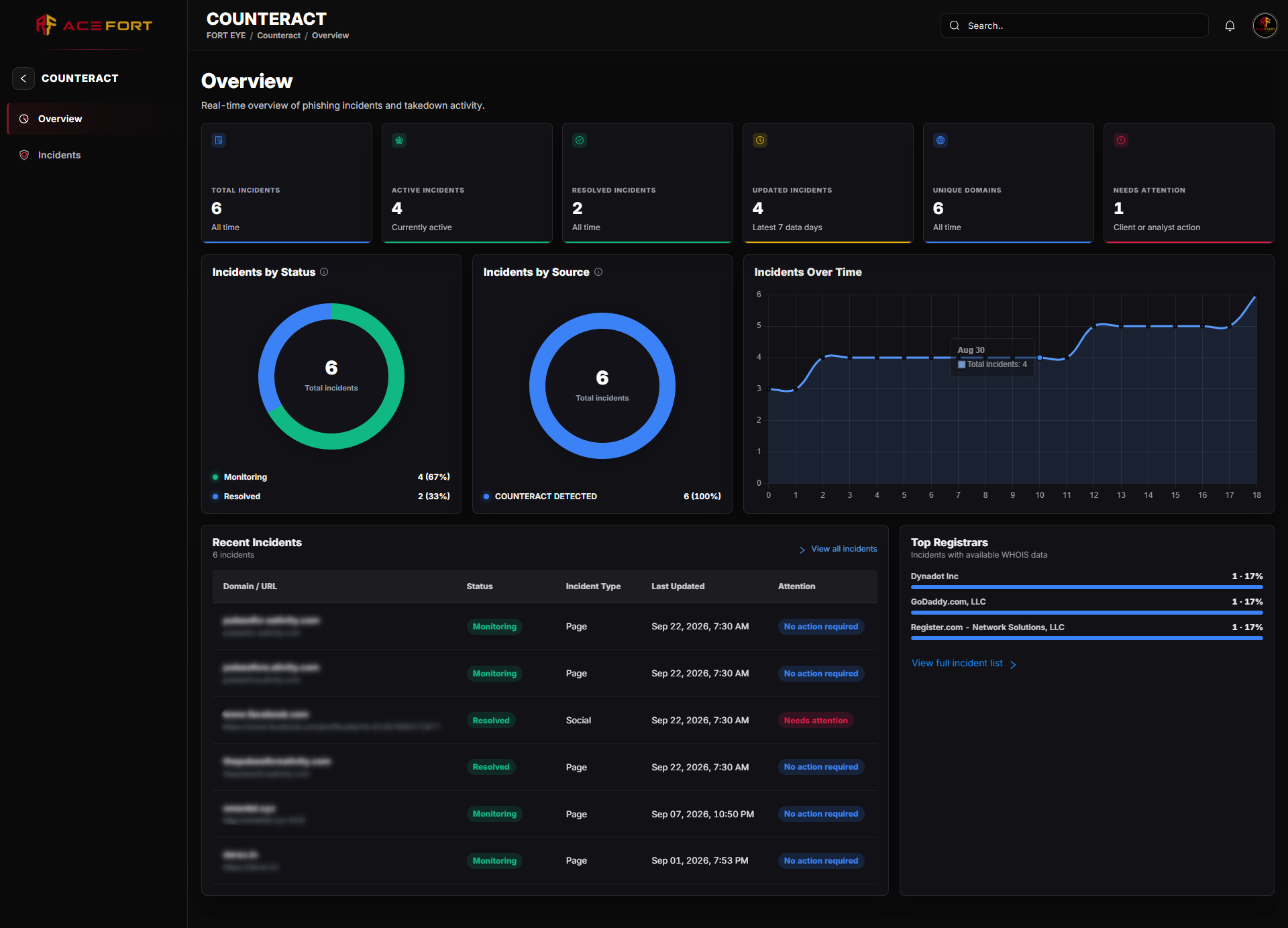
Ace Strike portal dashboard screenshot
05 / Digital risk enforcement

Ace Strike

Track phishing, malicious sites, lookalike domains, brand abuse and social impersonation from detection and validation through enforcement, monitoring and verified closure.

EvidenceTakedownMonitoringVerified closure
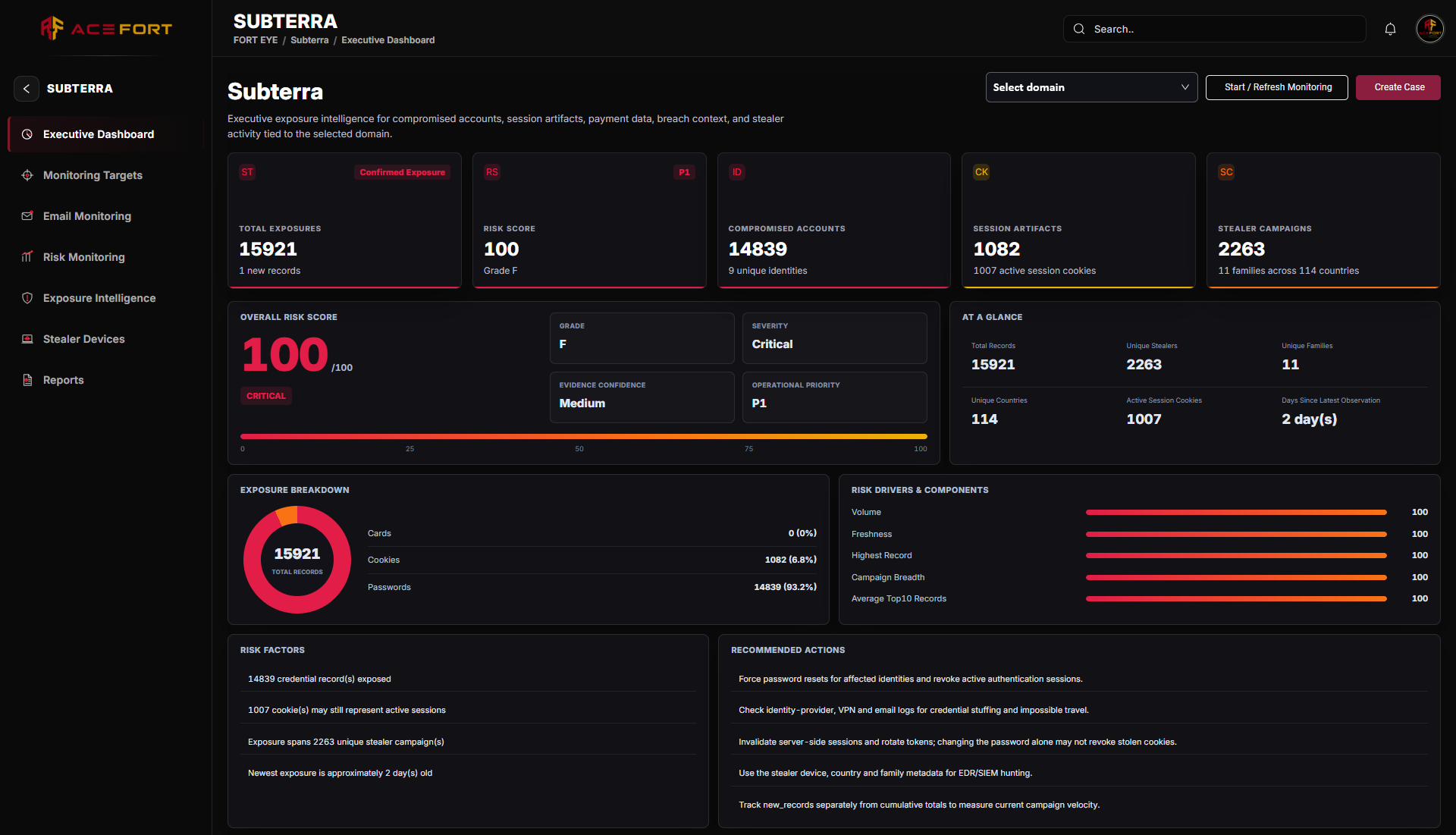
Fort Shadow portal dashboard screenshot
06 / Dark-web, credential & session exposure

Fort Shadow

Review compromised accounts, passwords, session exposure, infostealer campaigns, infected devices, risk composition, evidence confidence, monitoring history and controlled reports.

Domains & identitiesSessionsStealer devicesExposure reports
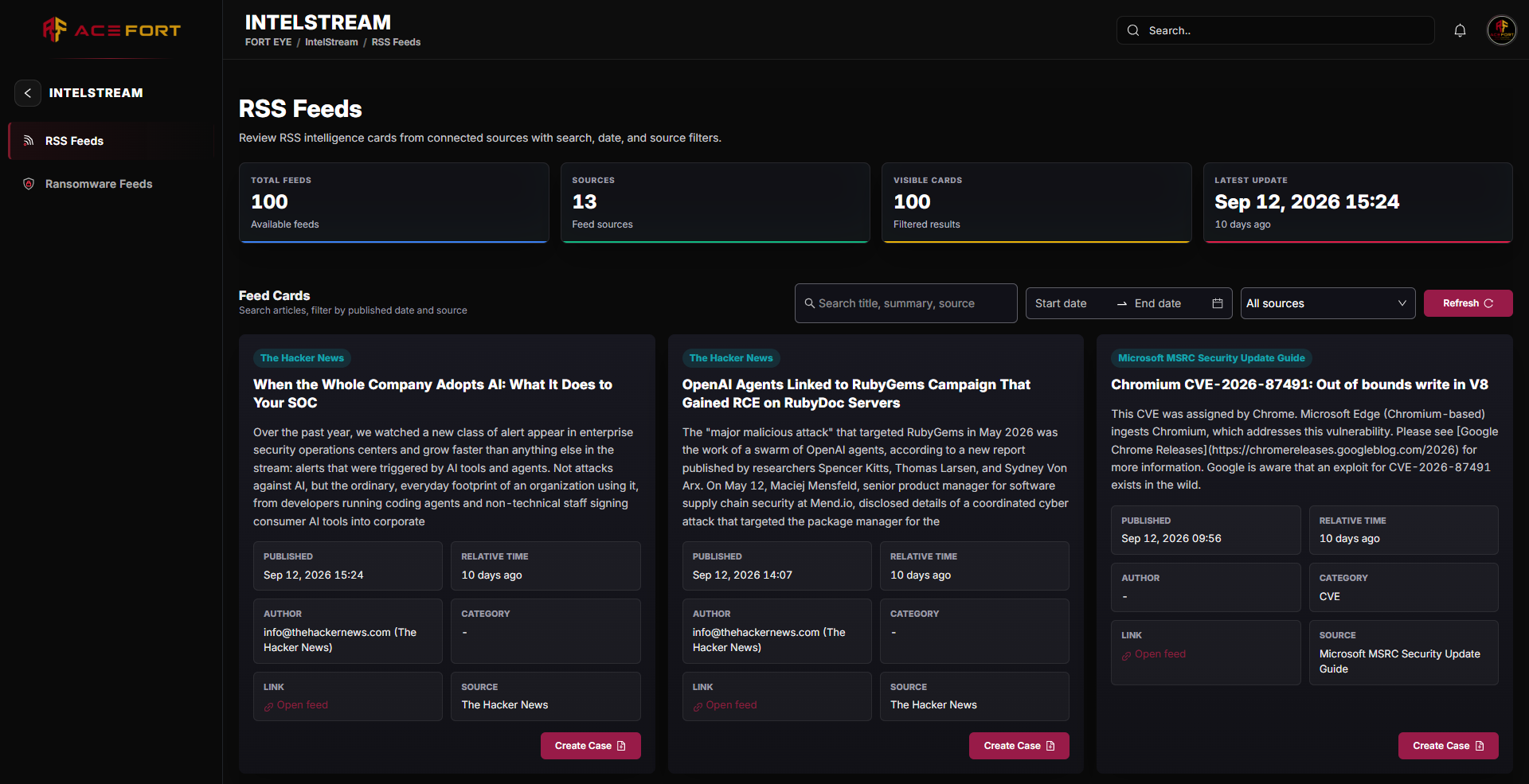
Fort Intel portal dashboard screenshot
07 / Cyber threat intelligence

Fort Intel

Explore advisories and research, ransomware groups and victim claims, malicious hosts, domains, IPs and infrastructure, then move relevant intelligence into Ace Automate Threat Nexus.

Security intelligenceRansomwareInfrastructureThreat relevance
08 / Third-party cyber risk management

Fort Bridge

Review Vendor 360, criticality, inherent and residual risk, validated controls, assessments, evidence, monitoring, remediation, dependencies, incidents, contracts, renewal and offboarding.

Vendor 360AssuranceResidual riskLifecycle
Connected by design

From summary to source evidence.

The Ace Core Dashboard shows posture and management attention. Leaders can open the responsible module, inspect the source record and owner, act, then report from the same operational context.

Security operations

Ace Automate investigates, decides and responds.

External cyber risk

Fort Eye discovers, monitors, understands and enforces.

Third-party cyber risk

Fort Bridge assesses, assures and governs.

Technical briefing

Bring us one real workflow.

We'll map responsibilities, connected context and deployment options through Ace Core.